How to Host a Static Website in S3
Published
Project 1: Host a static website using an AWS S3 bucket.
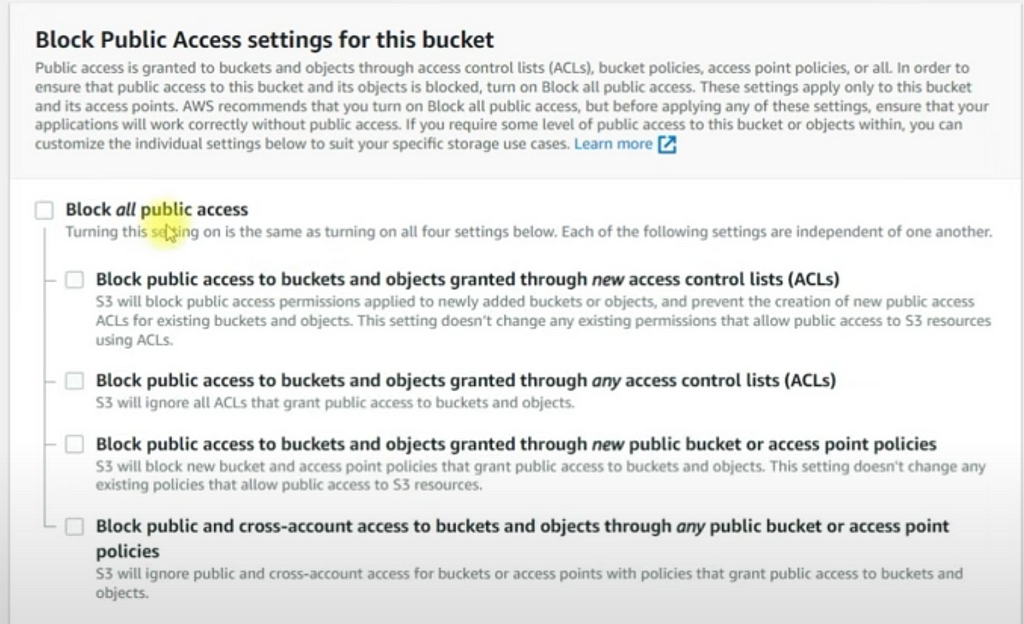
Step 1: Set Up an S3 Bucket with public access.
- Log in to the AWS Management Console.
- Navigate to the S3 service.
- Click on “Create bucket”.
- Provide a unique bucket name (the name must be globally unique) and choose the AWS region.
- Click “Create bucket” at the bottom of the page.
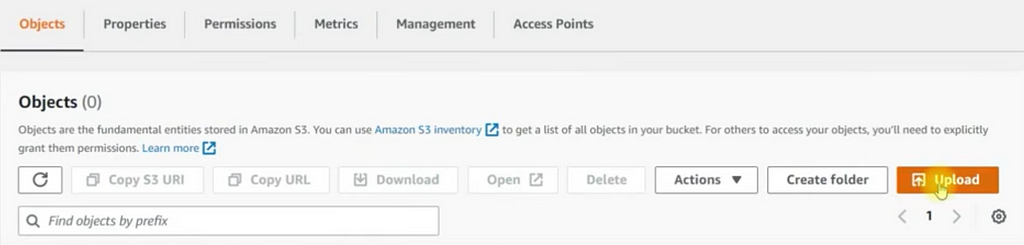
Step 2: Upload Your Website Files
- Go to the “Objects” tab within your bucket.
- Click on the “Upload” button.
- Add files (e.g., HTML, CSS, JavaScript) and click “Upload”.
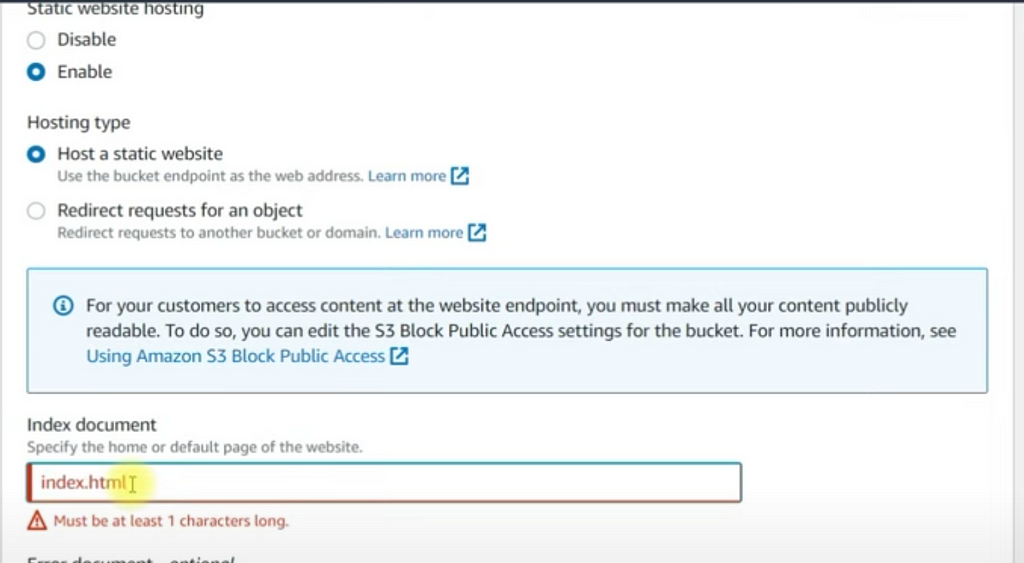
Step 3: Configure the Bucket for Website Hosting
- Click on the name of the bucket you just created to open its details.
- Go to the “Properties” tab.
- Scroll down to the “Static website hosting” section.
- Select “Enable”.
- Enter the names of your index document (e.g., index.html) and error document (e.g., error.html).
- Click “Save”.
Step 4: Set Permissions
- Under Buckets, choose the name of your bucket.
- Choose Permissions.
- Under Bucket Policy, choose Edit.
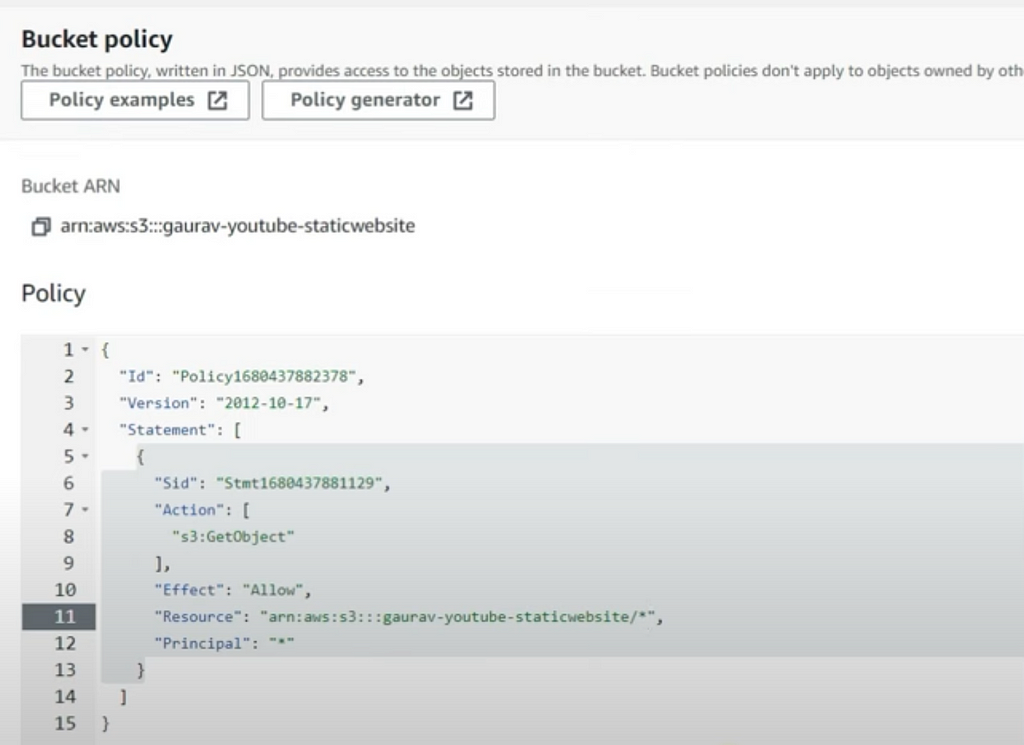
- To grant public read access to your website, copy the below bucket policy, and paste it in the Bucket policy editor.
- Replace your-bucket-name with the name of your bucket.
- Click “Save changes”.
Step 5: Access Your Website
- Under Buckets, choose the name of your bucket.
- Choose Properties.
- At the bottom of the page, under Static website hosting, choose your Bucket website endpoint.
Step 6: Clean up
If you created your static website only as a learning exercise, delete the AWS resources that you allocated so that you no longer accrue charges. After you delete your AWS resources, your website is no longer available.
Optional: Custom Domain and SSL
If you want to use a custom domain and enable SSL, you’ll need to do the following additional steps:
- Set up a custom domain:
- Register a domain using AWS Route 53 or another domain registrar.
- Create a new CNAME record pointing to the S3 website endpoint.
- Enable SSL with AWS Certificate Manager and CloudFront:
- Request an SSL certificate using AWS Certificate Manager.
- Create a CloudFront distribution with your S3 bucket as the origin.
- Configure the CloudFront distribution to use your SSL certificate.
By following these steps, you’ll have a static website hosted on Amazon S3, accessible via a public URL. If you need more advanced configurations or have specific requirements, AWS offers extensive documentation and resources to help.
Originally published on Medium.
Ready to apply? Browse open roles on FzlOps · get daily alerts on WhatsApp above.